Welcome
Software for the people who keep the front desk running.
We are a Portsmouth software practice. We design, build, publish and look after mobile apps and websites for administrative teams: bookings desks, membership offices, reception staff, schedulers and coordinators. We do not provide medical services and our tools never ask for health information.
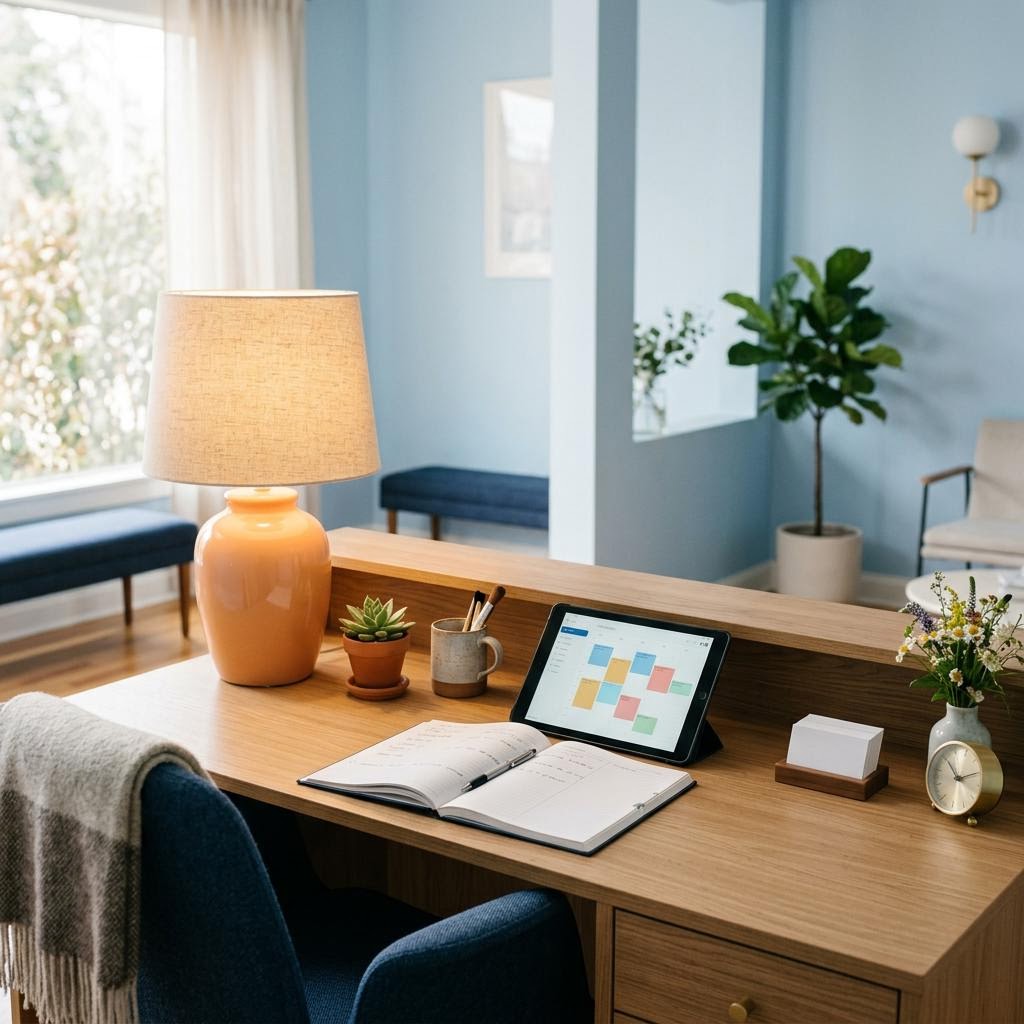
How a first conversation goes
You describe the paperwork, the phone calls and the spreadsheets. We listen, ask quiet questions, and write back with a short plan in ordinary language.
What we look after
Four kinds of work, each explained before it begins and each ending with something you own outright. Choose a door.
A day at the desk
Most of the software we build starts with an ordinary hour that goes wrong in the same way every week. Move the slider through a typical day and see where a small, well-made tool tends to help. These are common patterns we hear about, not case studies.
09:00 · Doors open
The phone starts ringing and the overnight emails need sorting. Three people ask whether their booking went through.
What helps: An automatic confirmation email and a simple bookings list everyone can see removes most of these calls.
10:00 · Rota wrangling
Someone is off sick. The rota lives in a spreadsheet only one person really understands.
What helps: A shared rota screen with swap requests and clear gaps, readable on a phone.
11:00 · Visitors arrive
A queue forms at the counter while a paper sign-in sheet is filled in by hand.
What helps: A tablet sign-in that takes ten seconds and produces a tidy daily list, with nothing sensitive collected.
12:00 · Lunch cover
The person covering the desk does not know where anything is kept.
What helps: A short internal guide inside the tool itself, so the answer is on the screen that needs it.
13:00 · Re-keying
Bookings from the website are copied into the room system, one by one.
What helps: A small connection between the two systems, so each booking is typed once.
14:00 · Same three questions
Opening times, parking and what to bring. Again.
What helps: A clear website page and a good confirmation email answer them before anyone picks up the phone.
15:00 · Chasing
Confirmations for next week still need chasing by phone.
What helps: Reminders with a one-tap confirm or cancel link, and a list of who has not replied.
16:00 · Reports
The manager wants a weekly summary, built by hand from three places.
What helps: A summary screen that adds itself up, exportable when someone needs a copy.
17:00 · Handover
Notes for tomorrow are written on a sticky note that may or may not survive.
What helps: A shared handover note on the same screen as the bookings.
The admin hours tally
Tick the routine tasks your team repeats each week and adjust how long each one takes. The tally shows where a small piece of software might return time. Nothing here leaves your browser; it is saved only if you accept optional storage.
Tick a task to begin.
What arrives at the end
Every project closes with the same parcel, whatever its size. You can read the full list on our standards page.
- The working tool live, tested on real devices and with assistive technology
- Your accounts hosting, domain and app stores registered to your organisation
- The source code in a repository you own, with notes for the next developer
- A desk guide a few pages written for the people who will use it, not for engineers
- A walkthrough a session with your team, recorded if you would like
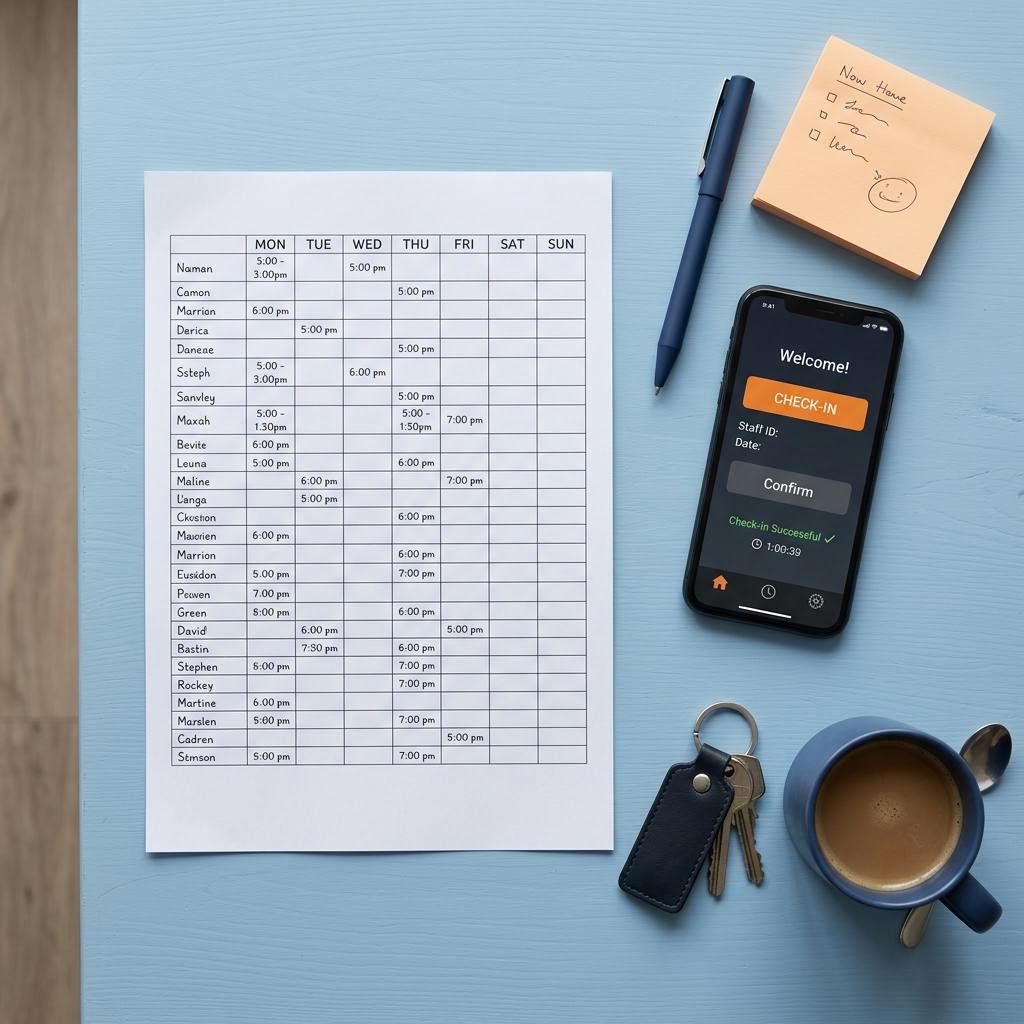
Why the word "clinic"
Our name comes from the idea of a clinic in its oldest sense: a place where you bring a problem and someone sits with it properly. For us that problem is always administrative or technical. We design software for people who manage diaries, rooms, queues and paperwork, in any sector. We do not handle patient records, we do not build diagnostic tools, and we will politely decline work that needs clinical expertise we do not have.
Three words from the library
Technical terms come up in every project. Our library explains them all; here are three you will hear in the first week.
- Integration
- A connection that lets two systems share information automatically, so nobody has to type the same booking twice.
- Staging
- A private copy of your website or app where changes are tried safely before the public sees them.
- Accessibility
- Designing so people can use the tool with a keyboard, a screen reader, larger text or a shaky connection.
Questions people ask us first
Do we need to know what we want before we contact you?
No. Most people arrive with a problem rather than a specification. We help you turn the problem into a short written brief, and you can stop at that point if you prefer.
Will you explain the technical choices?
Yes, every one. Each recommendation comes with the reason, the alternative we considered, and what it means for cost and upkeep later on.
Can you work with the systems we already have?
Often. We look first at what you already pay for and whether a small connection or a better screen solves the issue before suggesting anything new.
What happens after launch?
You choose an aftercare arrangement, or none. Our aftercare page describes what each option covers and how to reach us during front desk hours, Monday to Friday, 09:00 to 18:00 UK time.
Bring us the awkward hour.
Tell us which part of the week your team dreads. We will reply in plain English with what we would look at first.